Primary public video for release messaging, city tone, business fantasy, and activity mix.
Nivalis Nights high-value guide
Nivalis Nights Steam Deck Guide
Nivalis Nights Steam Deck guide tracking compatibility caution, PC requirements, controller support, storage, and hands-on testing needs.
| Current status | Treat Steam Deck compatibility as unconfirmed until official or hands-on evidence improves |
| Useful known data | Steam PC requirements, controller support, 30 GB storage, 16 GB RAM baseline |
| Risk areas | Dense city scenes, lighting, weather, UI readability, battery, storage speed |
| Do not claim | Verified status, stable frame rate, preset recommendations, or battery life |
| Update trigger | Steam Deck verification, Proton reports, demo access, launch benchmarks |
Why this page must stay cautious
Nivalis Nights may be controller-friendly, but Steam Deck support depends on performance, UI readability, Proton behavior, and city-density stress. A store page alone is not enough to claim verified handheld play.
What can be planned today
Readers can check storage, controller preference, and the current PC requirements. The listed 16 GB RAM and dedicated VRAM expectations make performance testing important before this site recommends Deck play.
What to test after launch
Post-launch coverage should test presets, text size, controller prompts, battery draw, loading behavior, city traversal, apartment interiors, and restaurant scenes.
Handheld city watch
Steam Deck questions for Nivalis Nights
Nivalis Nights may be more plausible on handheld than heavier action games, but Steam still lists dedicated GPU and VRAM targets. Deck guidance should focus on UI readability, controller comfort, city streaming, and battery behavior after evidence exists.
| Question | Current read | What to verify |
| Verified status | Not treated as confirmed here. | Wait for Steam Deck status or hands-on testing. |
| VRAM target | Steam lists 6 GB minimum and 8 GB recommended. | Compare with handheld memory limits. |
| UI density | Life sim menus can be text-heavy. | Check apartment, business, and map screens. |
| Performance | Neon weather and dense city scenes may be costly. | Test district traversal, interiors, and night scenes. |
Deck test priorities
01
Do not claim verified support before Steam or hands-on proof.
02
Check menu font size and controller prompts.
03
Test SSD loading and district transitions.
04
Report battery and thermal behavior separately from FPS.
Action checklist
01
Check Steam requirements before assuming handheld performance.
02
Wait for verified status or hands-on tests before making recommendations.
03
Track controller prompts, UI scale, text readability, and storage needs.
04
Update after demo or launch with tested settings.
Video and source context
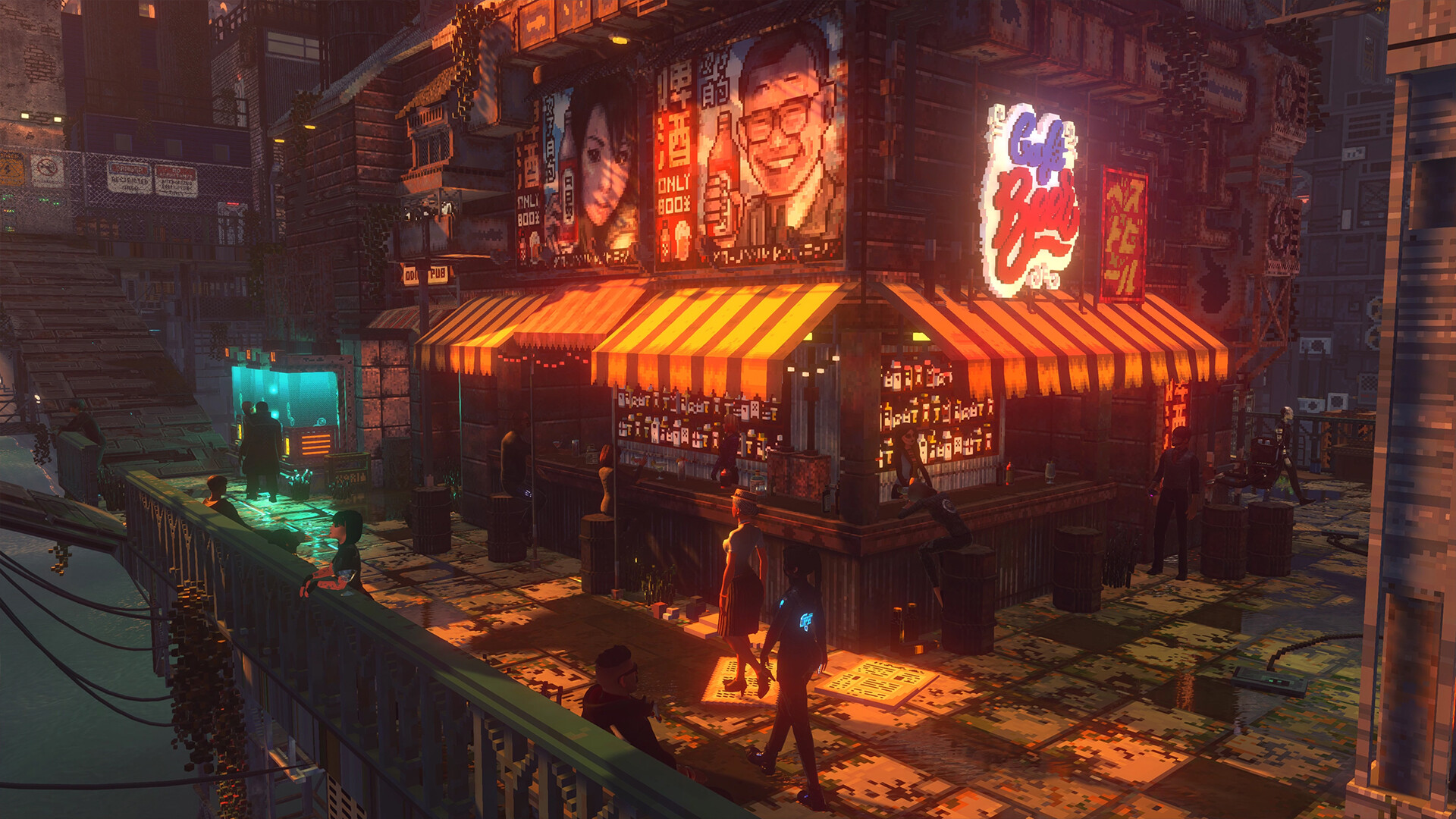
 Official screenshot 1Steam public media
Real public game media used for contextual independent guide coverage.
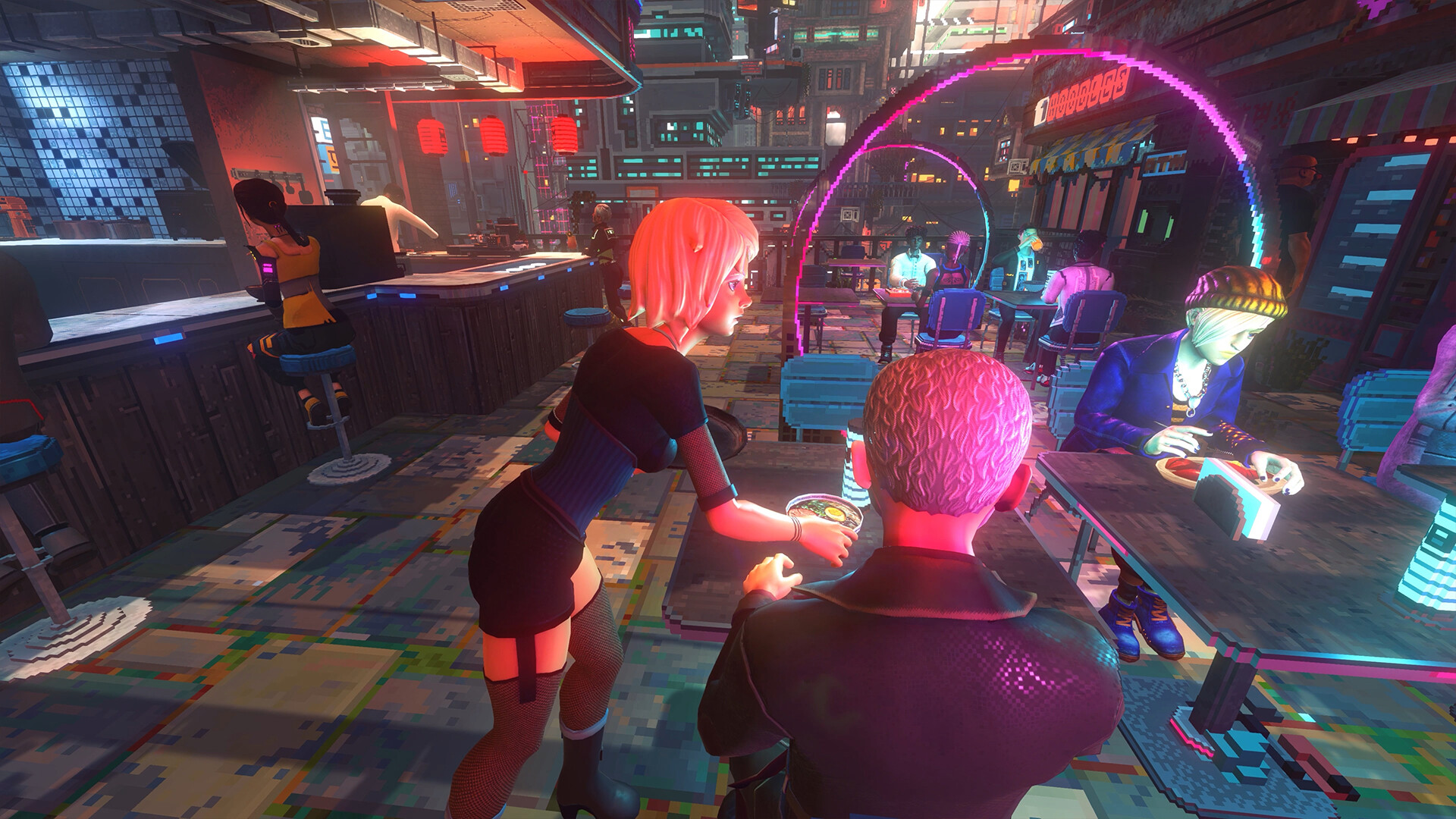
 Official screenshot 2Steam public media
Real public game media used for contextual independent guide coverage.
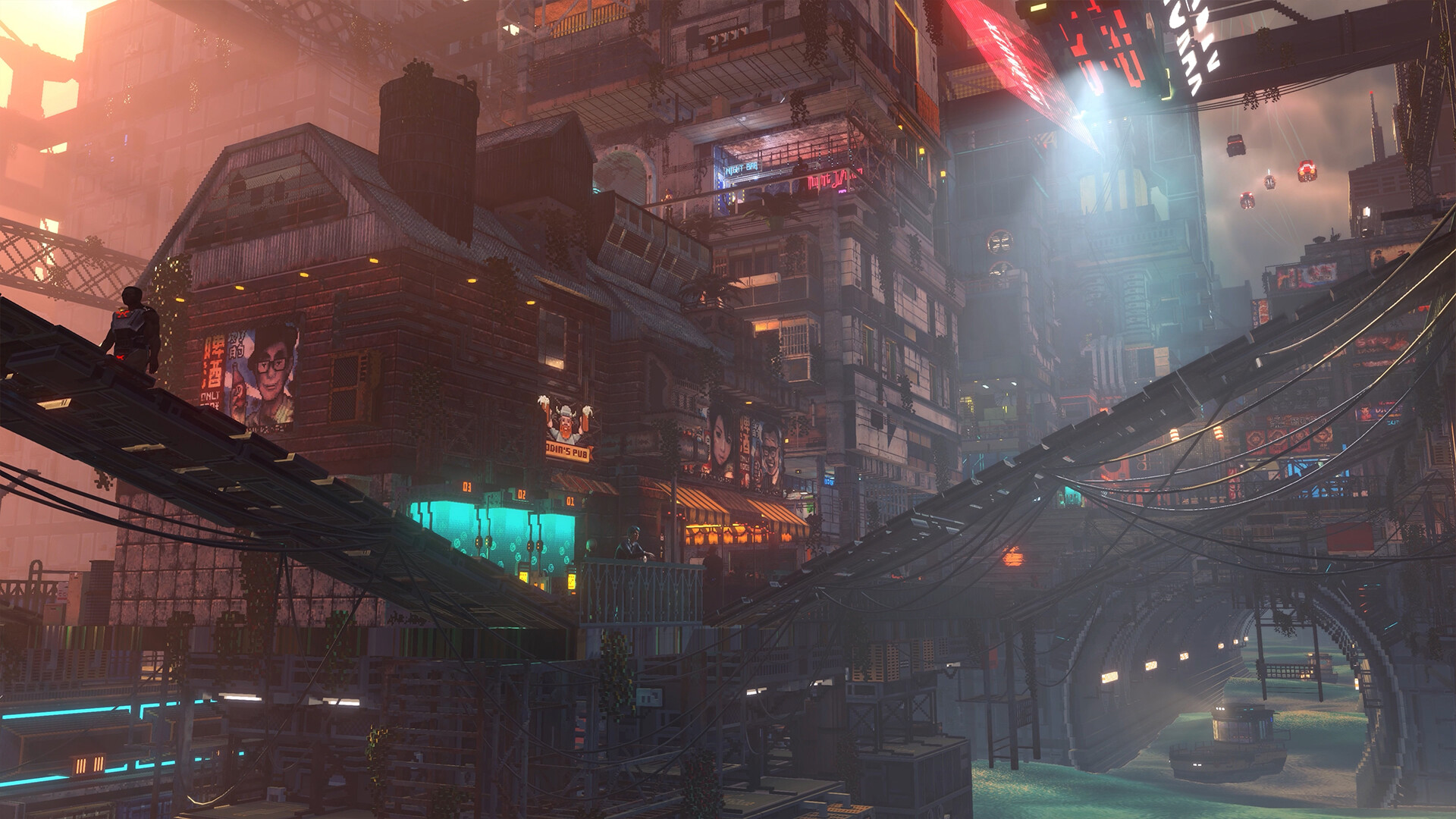
 Official screenshot 3Steam public media
Real public game media used for contextual independent guide coverage.
 Official screenshot 4Steam public media
Real public game media used for contextual independent guide coverage.
Useful for reading business, apartment, fishing, and city-routine footage without treating it as final balance data.
Primary store reference for release date and feature wording.
FAQ
Is Nivalis Nights Steam Deck Verified?
This guide should not claim verified status unless Steam or hands-on evidence confirms it.
Can controller support imply Steam Deck support?
No. Controller support helps, but performance, UI scale, and Proton behavior still need testing.
What should I check first?
Check Steam requirements, storage, controller notes, and any official compatibility updates.