Primary public video for release messaging, city tone, business fantasy, and activity mix.
Nivalis Nights high-value guide
Nivalis Nights Accessibility Settings
Nivalis Nights accessibility and settings tracker for language support, controller input, display options, UI readability, and source-backed updates.
| Current focus | Track confirmed settings without inventing menu options |
| Known planning areas | Languages, controller support, display settings, UI scale, captions, input comfort |
| Source priority | Steam, official site, publisher posts, trailers, demo or launch menus |
| Do not invent | Colorblind modes, remapping, subtitles, UI scale, or accessibility presets before evidence |
| Update trigger | Official settings list, demo menu, launch build, accessibility post, or player-tested options |
Accessibility claims need menu evidence
This page should not invent accessibility options before official menus or hands-on builds show them. It can track confirmed language support, controller support, display expectations, and the settings categories players should check near launch.
What matters for Nivalis Nights
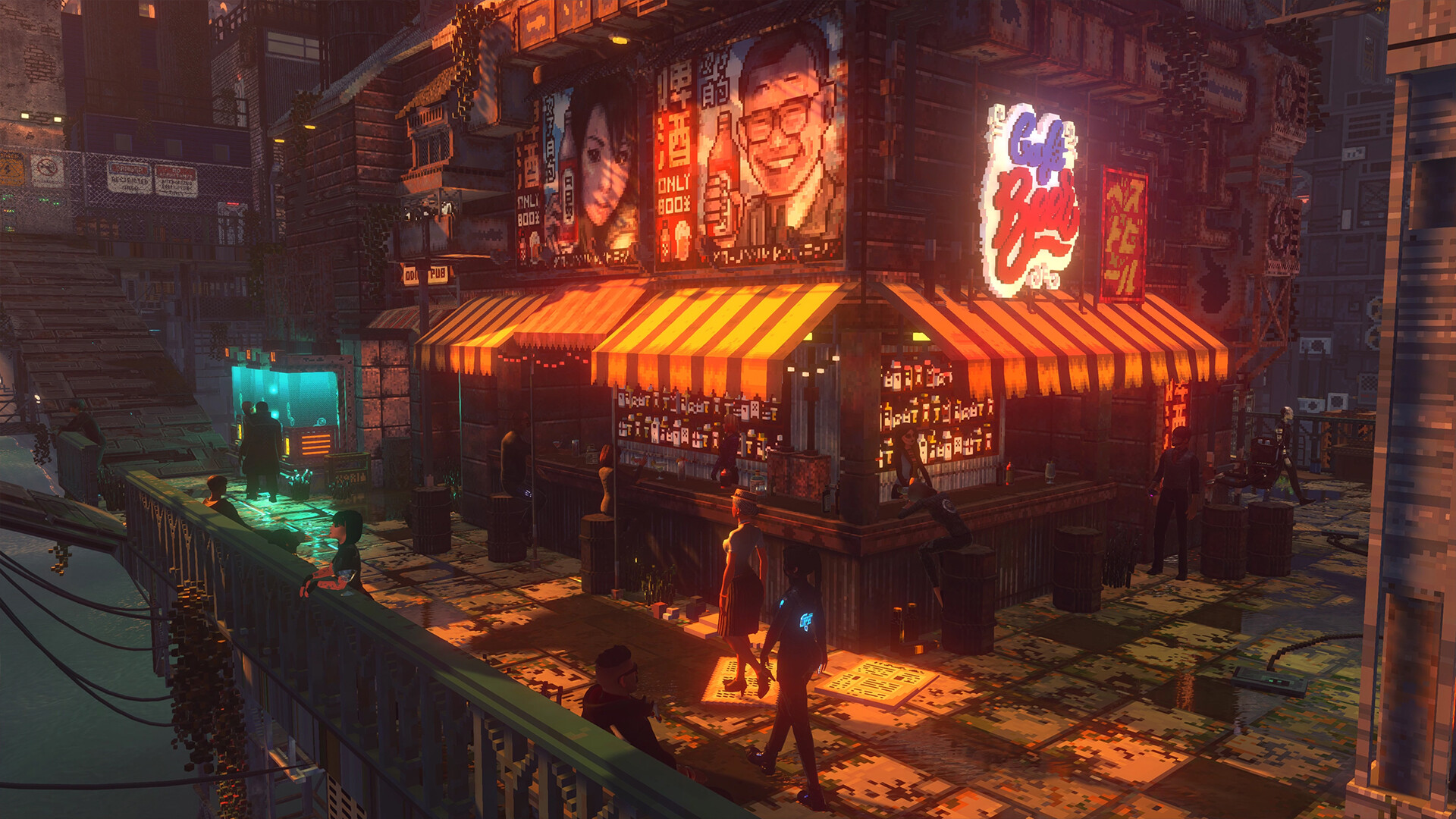
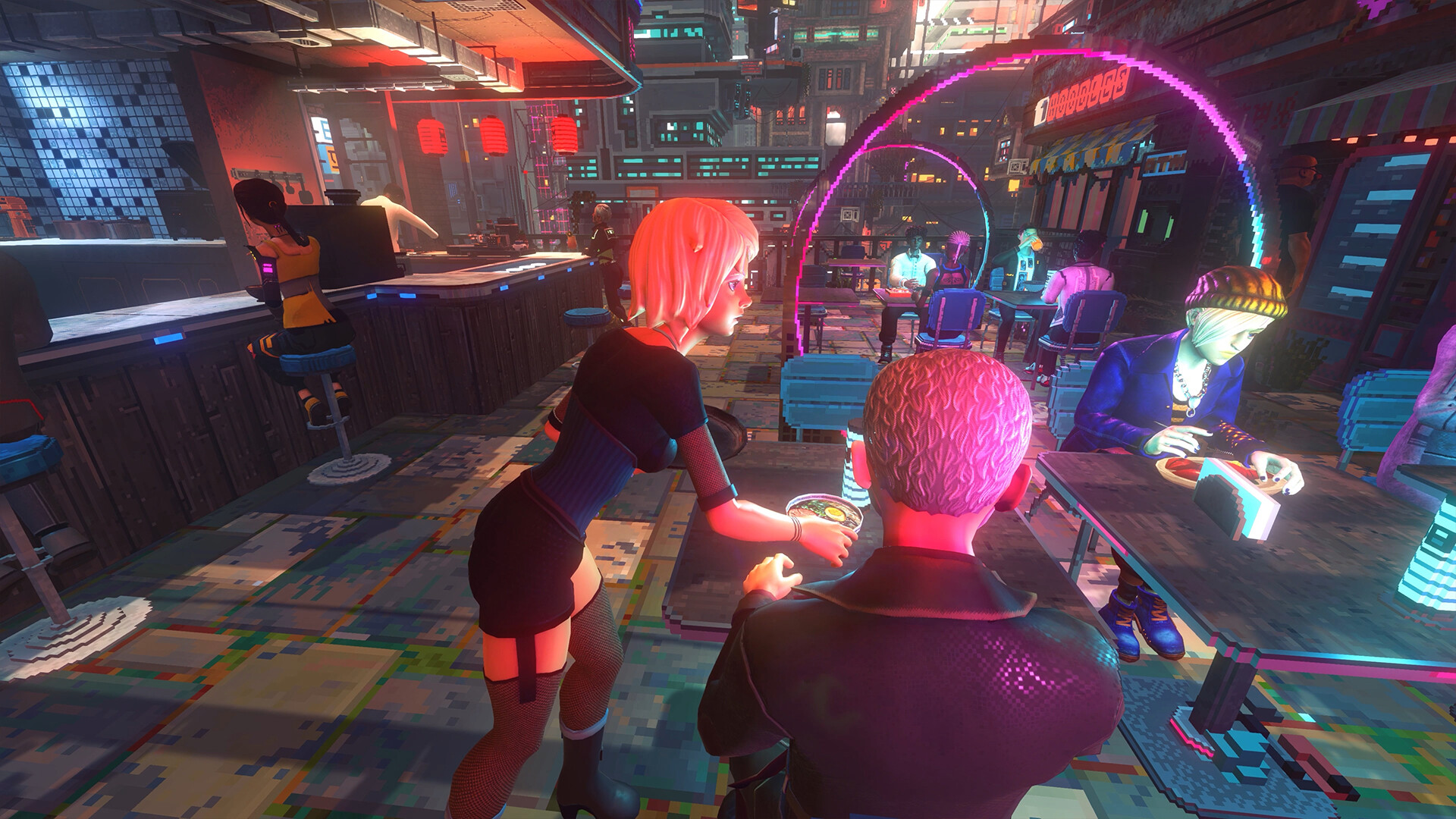
A city-life sim can depend on readable UI, comfortable controls, dialogue clarity, map readability, and long-session comfort. Those needs should guide the settings checklist once real menu screenshots exist.
Post-launch update plan
After launch, add screenshots for controls, display, audio, subtitles, UI scale, remapping, camera, and accessibility presets if present. If a setting is absent, say so carefully instead of implying support.
City sim readability
Nivalis Nights settings and accessibility checks
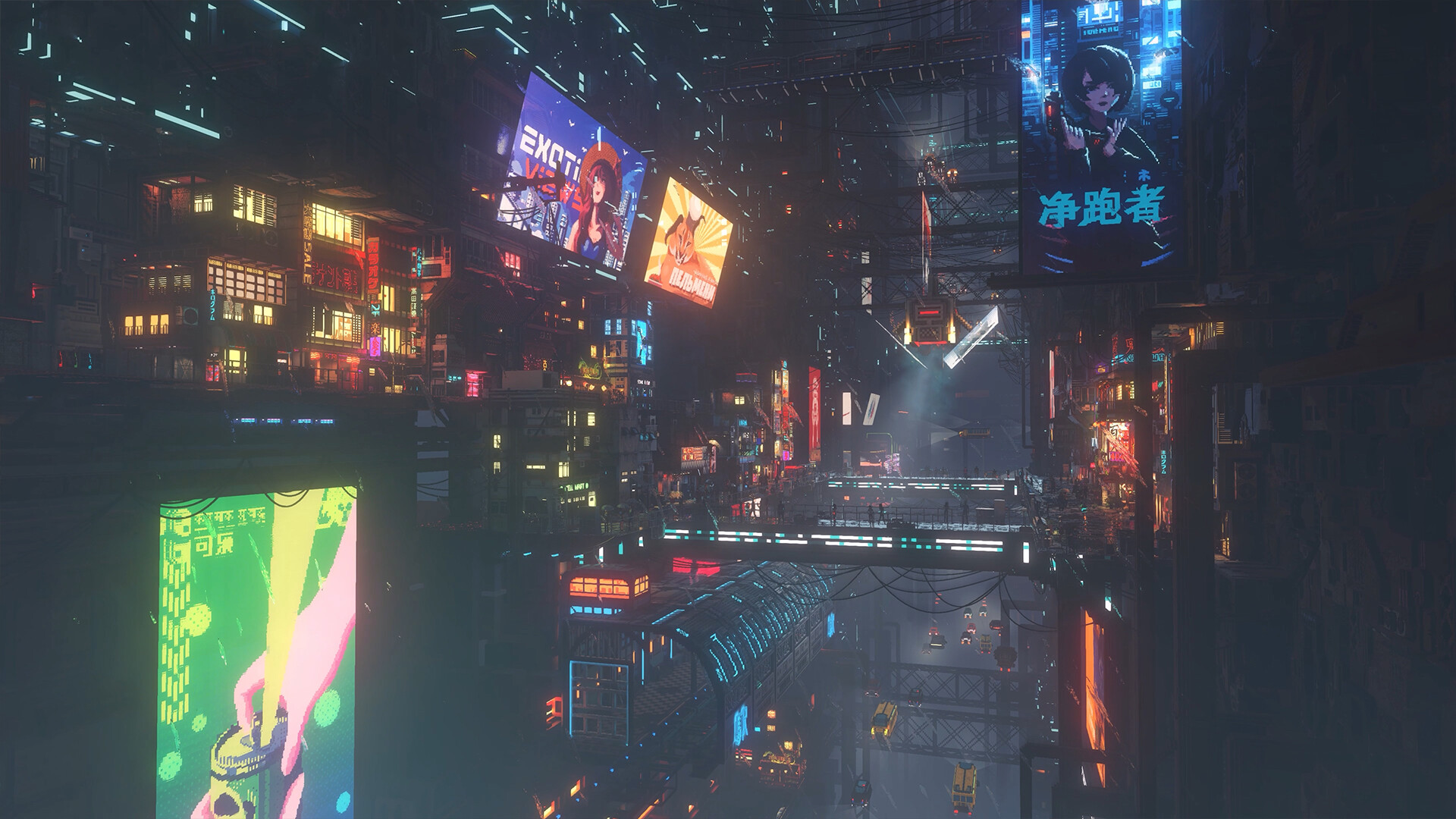
Nivalis Nights should be reviewed for readable menus, color contrast in neon scenes, controller support, subtitle clarity, motion comfort, and whether management screens scale well on smaller displays.
| Setting area | Why it matters | What to test |
| UI scale | Business and apartment menus may be dense. | Ledger text, map labels, inventory lists. |
| Color contrast | Neon city scenes can overwhelm key objects. | Objective markers, interact prompts, subtitles. |
| Controls | Life sims repeat the same actions often. | Remapping, hold/toggle, controller prompts. |
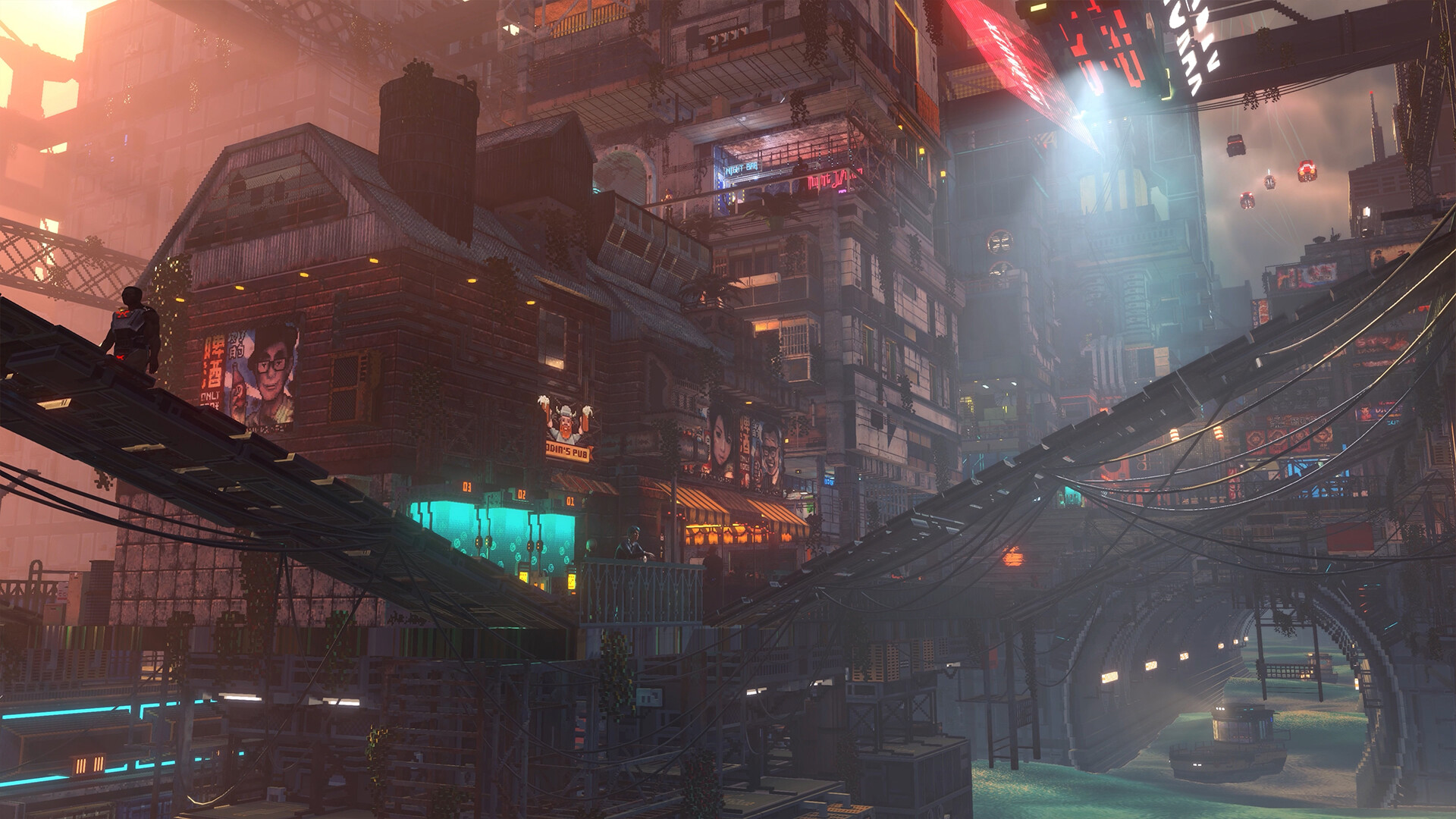
| Motion comfort | Boats and vertical city travel may affect comfort. | Camera sway, FOV, blur, and shake. |
Launch settings review
01
Test business menus on desktop and handheld-sized screens.
02
Check subtitle legibility against bright backgrounds.
03
Record controller support without assuming Steam Deck verification.
04
Invite feedback from players with visibility or motion concerns.
Action checklist
01
Record confirmed language and input support from official sources.
02
Wait for menus or hands-on footage before listing settings options.
03
Separate accessibility needs from general graphics settings.
04
Update with screenshots once settings menus are public.
Video and source context
 Official screenshot 1Steam public media
Real public game media used for contextual independent guide coverage.
 Official screenshot 2Steam public media
Real public game media used for contextual independent guide coverage.
 Official screenshot 3Steam public media
Real public game media used for contextual independent guide coverage.
 Official screenshot 4Steam public media
Real public game media used for contextual independent guide coverage.
Useful for reading business, apartment, fishing, and city-routine footage without treating it as final balance data.
Primary store reference for release date and feature wording.
FAQ
Are Nivalis Nights accessibility settings confirmed?
Only source-backed settings should be treated as confirmed. This page should wait for official menus or hands-on evidence.
What settings matter most?
UI readability, controller comfort, language support, subtitles or captions, display options, and input remapping matter most for a city-life sim.
When will this page become more useful?
It becomes more useful when demos, launch builds, or official posts reveal actual settings menus.